Send off ten tasks. Go do something else.
A few on one machine, or one on each. Pick any of them up from your phone or your desk.
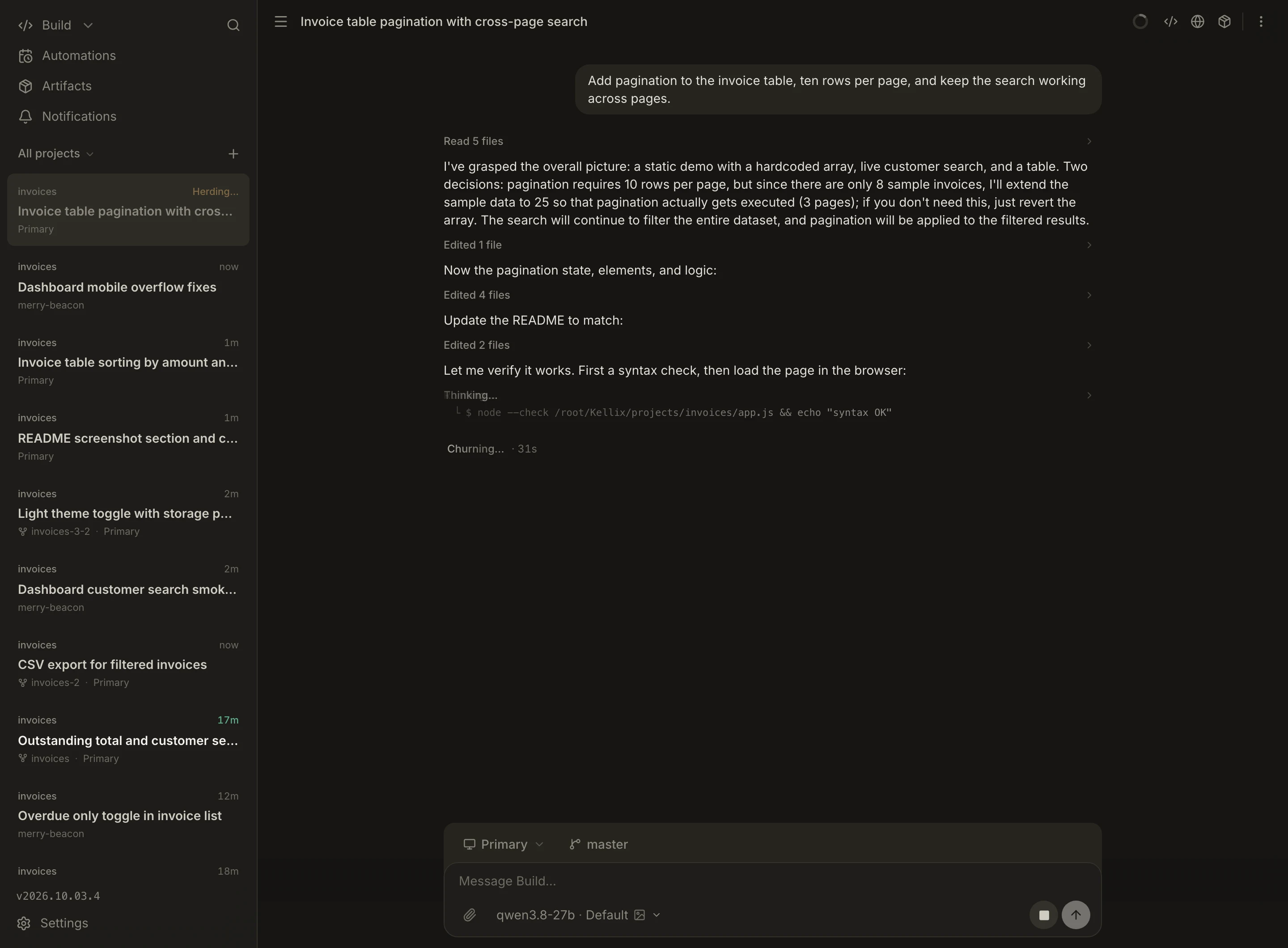
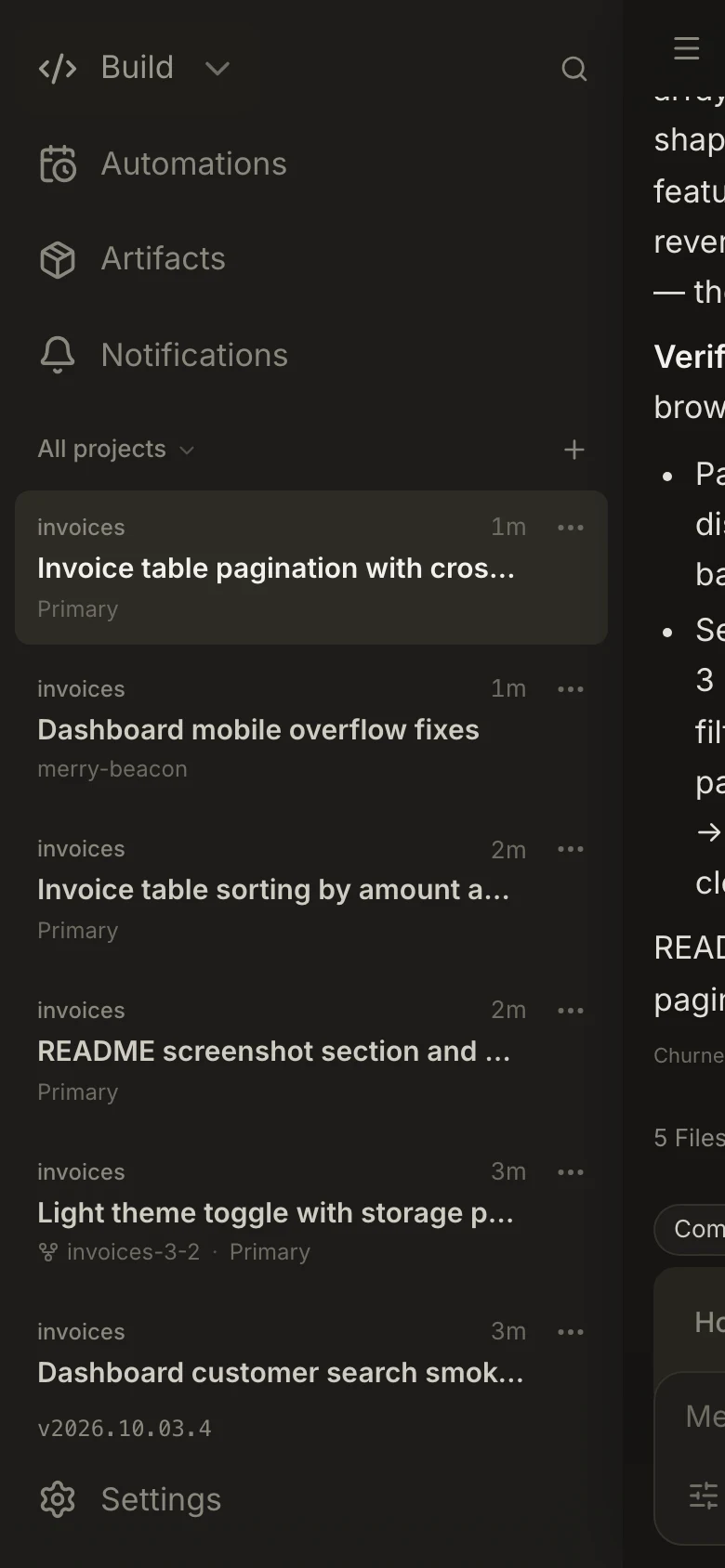
Kellix is a control plane for AI. Chat with an agent, add your machines, and the work happens on them around the clock. You own all of it, end to end.
self-hosted · your machines · any model, cloud or local
A few on one machine, or one on each. Pick any of them up from your phone or your desk.
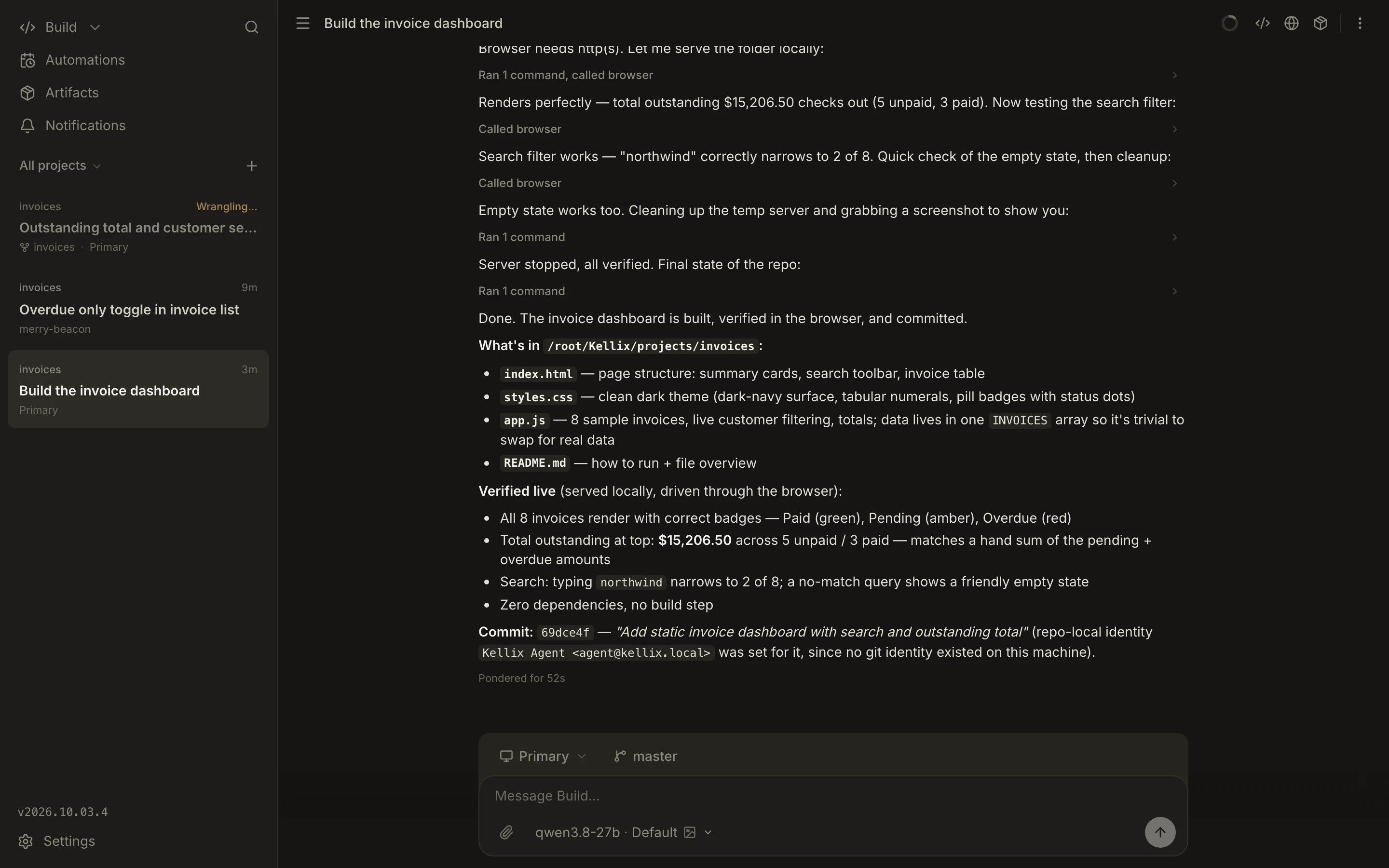
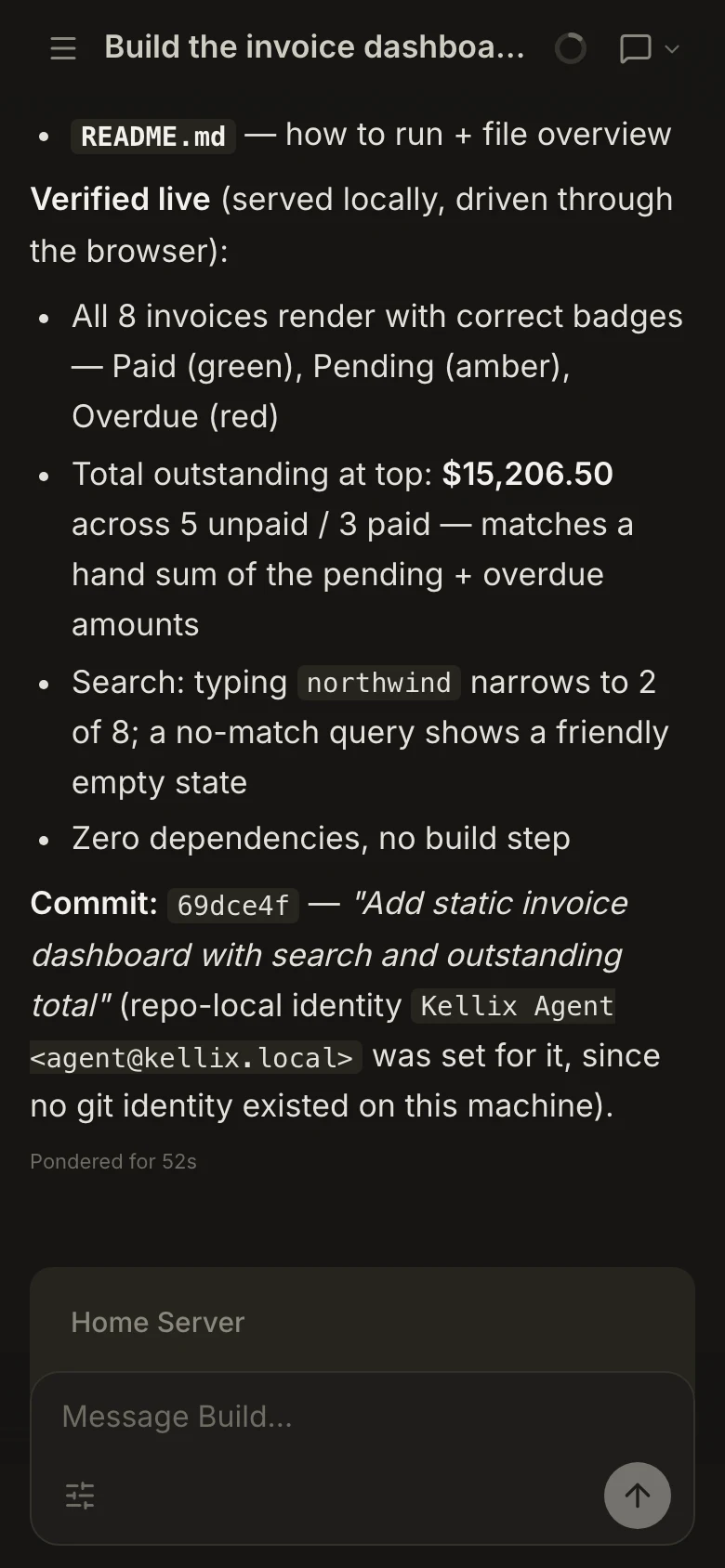
An invoice dashboard, from the first message to a change the agent checked itself.
Hand off
Machines
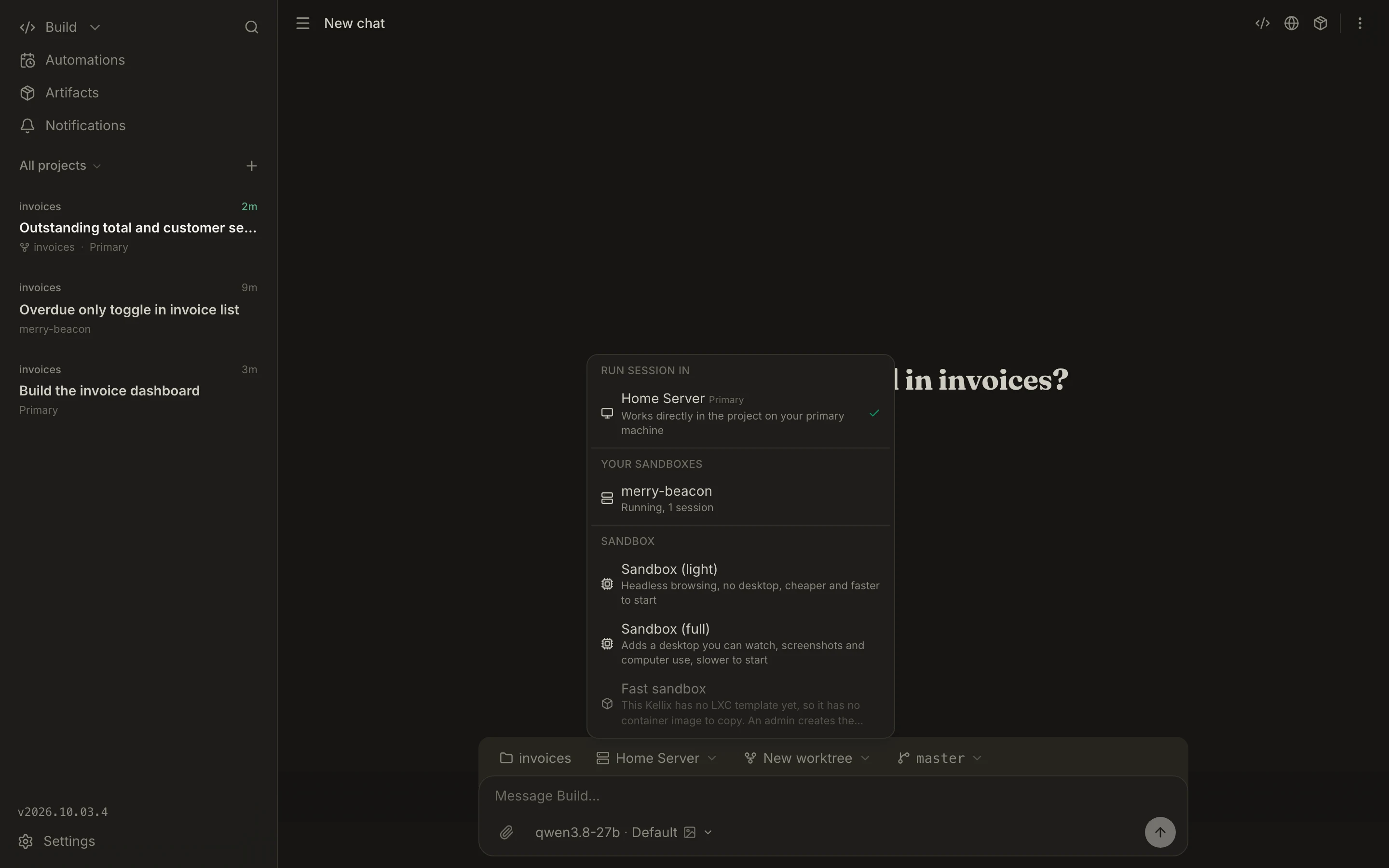
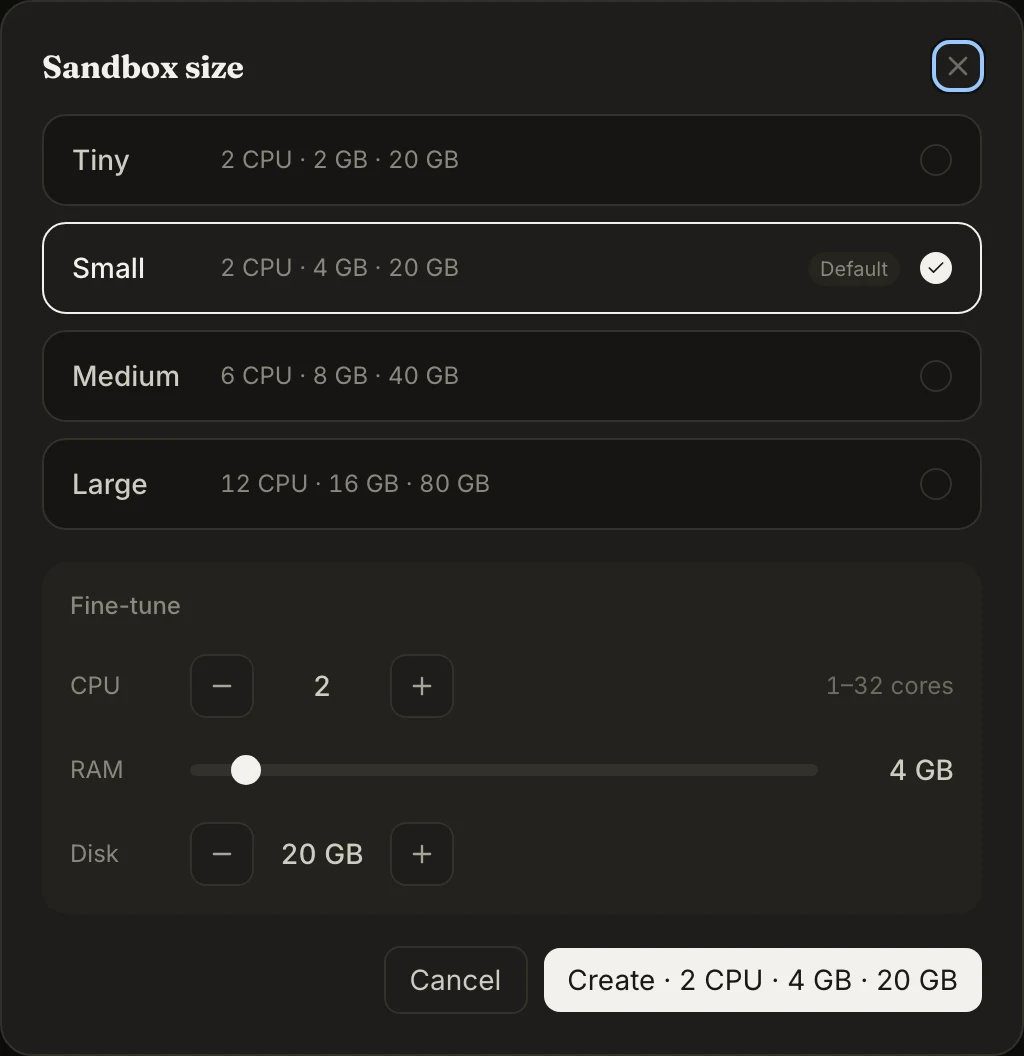
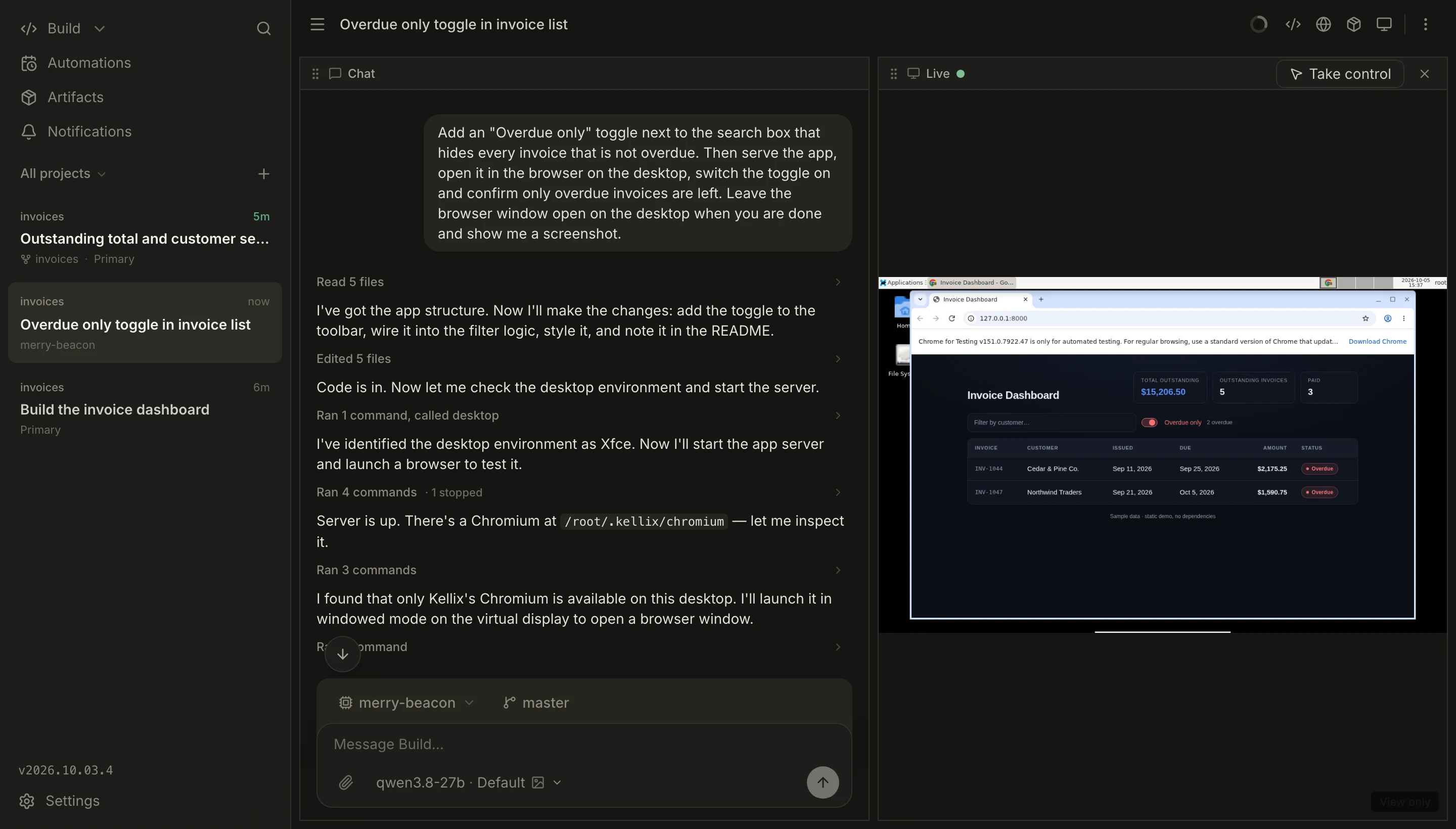
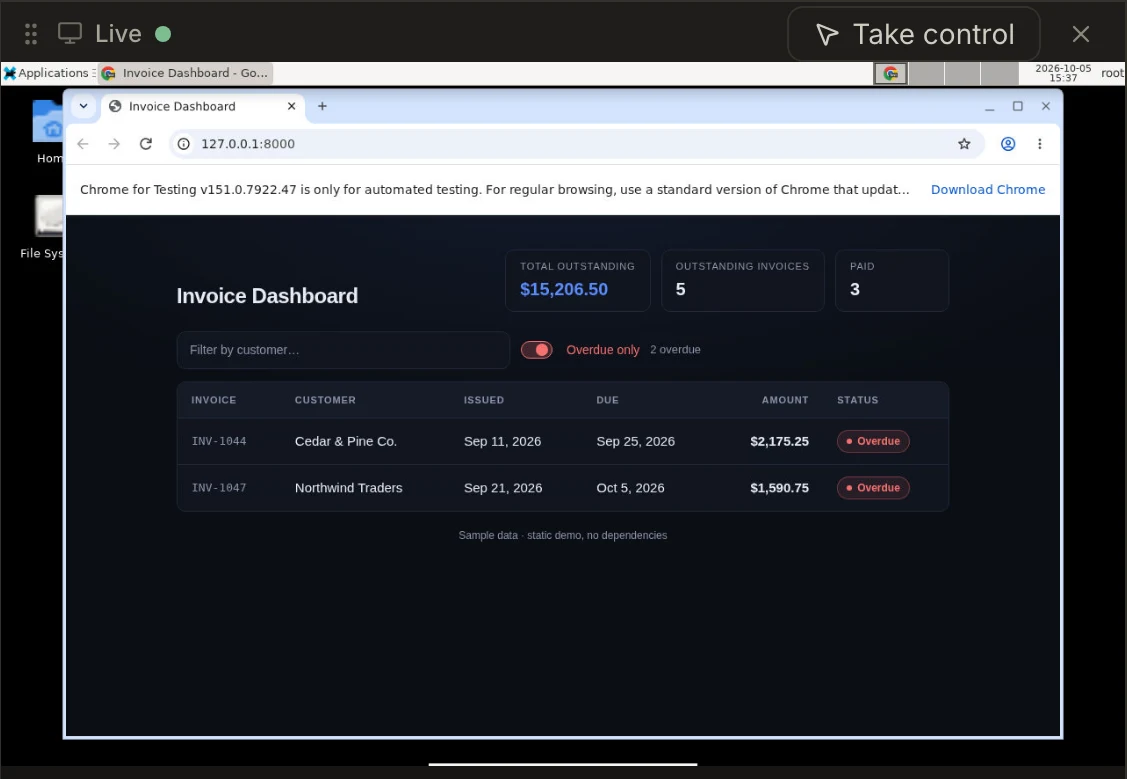
Computer use
Secrets
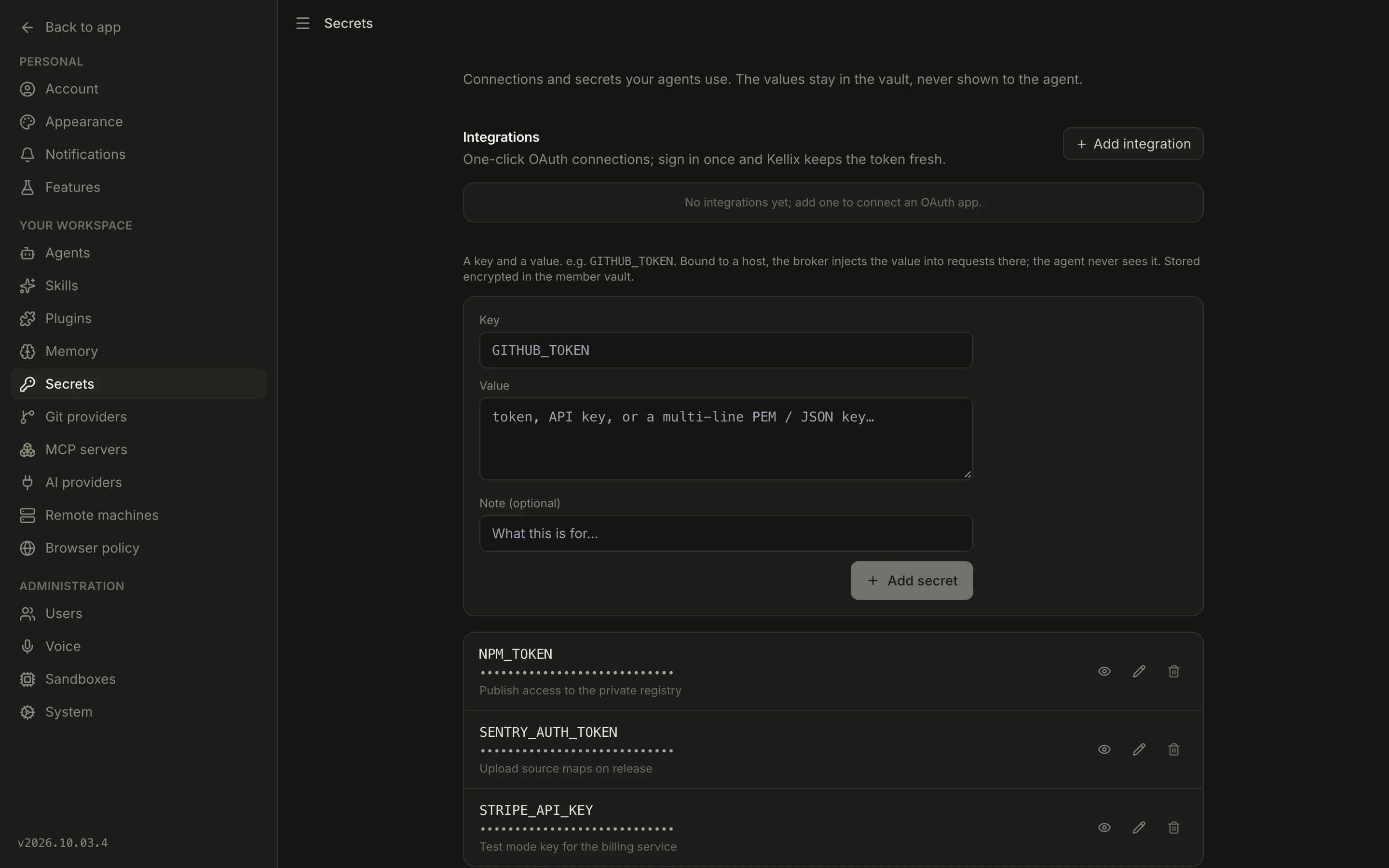

Everything runs on hardware you control, with the models and keys you bring.
what you get
self-hostedyour hardware · your models · your keys
Hardware, models, privacy, and how it stays up to date.
A self-hosted control plane for AI coding agents. You chat with an agent, add machines to the control plane, and start sessions that do the work on those machines, with git, a shell, a browser, and a full desktop when the agent needs to check its own work. You reach the same live session from any device.
The experience is the same idea: hand off a task, let it run in the background, and come back to a finished change. The difference is ownership. Kellix runs on your own server, the agents work on machines you control, and you bring the models and keys. Nothing about it is rented.
A Linux host for Kellix itself (a small VM is plenty), and at least one machine for sessions to run on. That can be any computer you enroll with a one-line install, or a virtual machine Kellix builds for you on a paired hypervisor.
Any OpenAI-compatible API, or a local runtime like Ollama or vLLM. You bring the keys, and you can pair a strong model for planning with a fast one for the busywork.
Only to the model provider you pick, and nothing else leaves your machines. Point it at a local model and nothing leaves at all.
No. Every enrolled machine dials out to Kellix, so it can sit behind NAT or a firewall and still run sessions.
From the dashboard. Open Settings, check for updates, and choose Update now. Your sessions, data, and vault carry over, and every enrolled machine updates itself right after.
Yes. One install serves everyone, and each person gets their own machines, projects, and a private workspace with their own secrets.
One command adds Kellix as a normal service. Open the address it prints, create your profile, and you're in.